Check that the cash drawer is not locked with the key.
Make sure that your cash drawer is connected to the correct port on the receipt printer. It is usually hidden at the back, you might need to turn your printer upside down to see it.
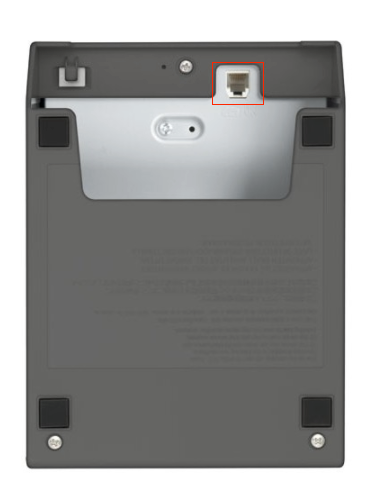 The cash drawer will only open if Humble is able to communicate with the printer. The cash drawer will only open when a Cash sale is completed or if Petty Cash is processed.
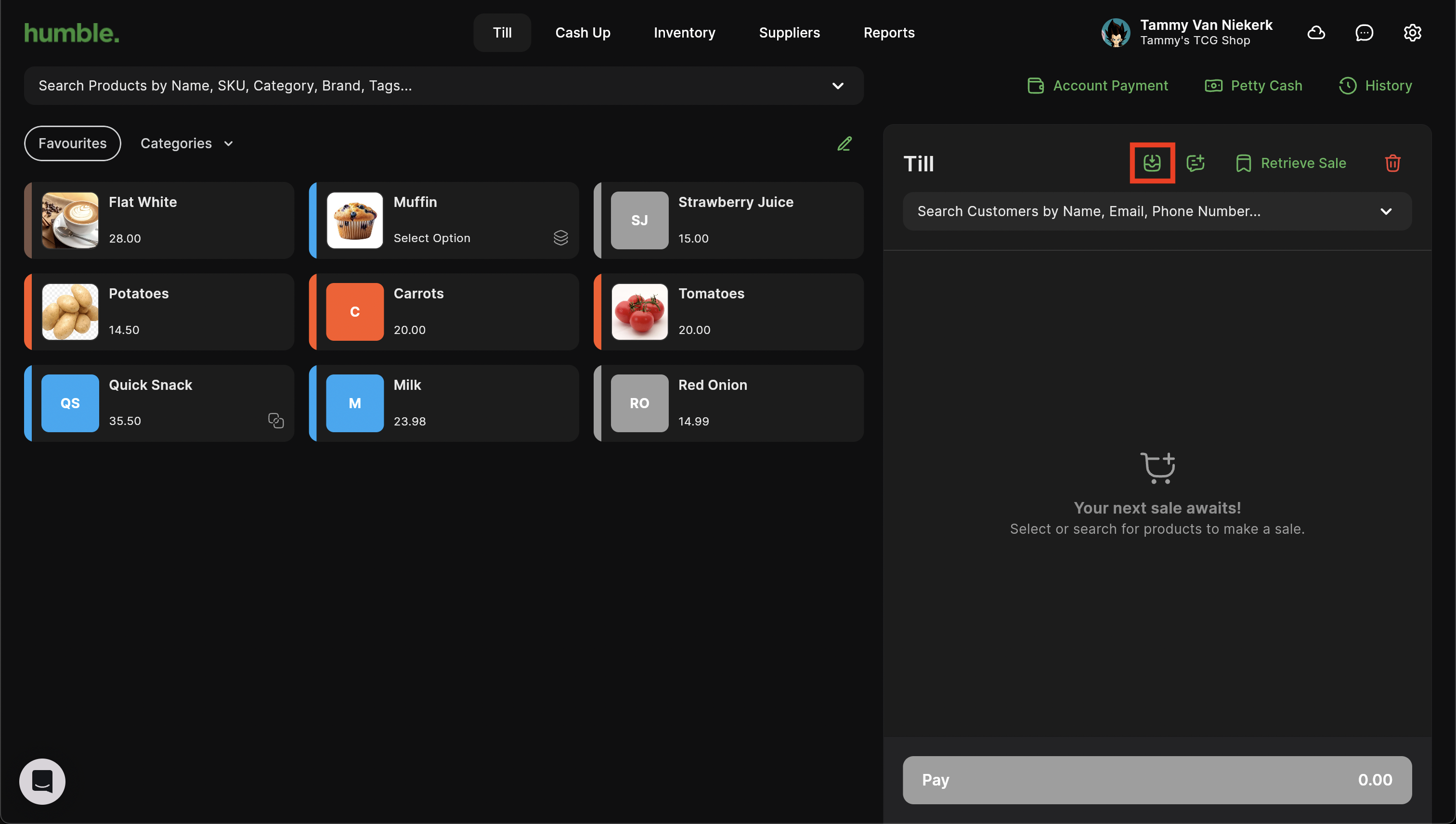
The till does allow the option of manually opening the cash drawer by clicking on the “Open Drawer” button.
Was this article helpful?
That’s Great!
Thank you for your feedback
Sorry! We couldn't be helpful
Thank you for your feedback
Feedback sent
We appreciate your effort and will try to fix the article