If you would like to use a cash drawer, you can connect it to the back of the receipt printer in the RJ-11 port
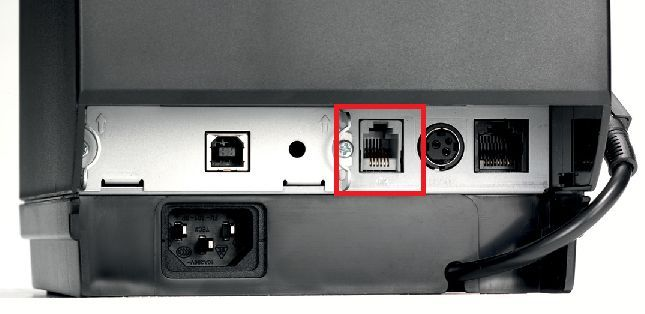
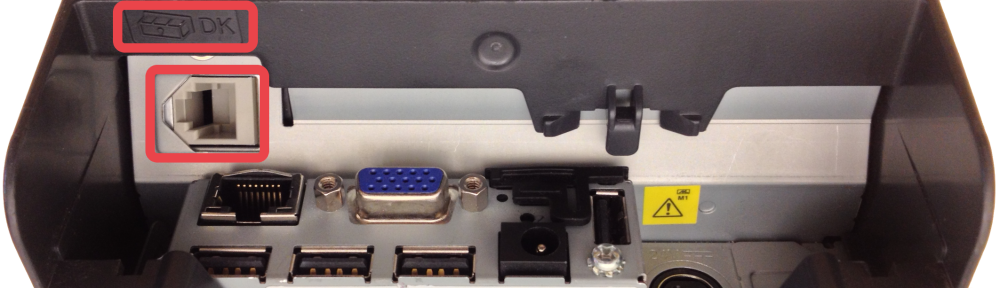
You might have to turn your receipt printer upside down to see it, depending on the model.
Once your cash drawer is plugged in, it will open for the following scenarios:
- Completing a sale with a Cash tender
- Completing a sale with Change
- Account Payment with Cash
- Petty Cash
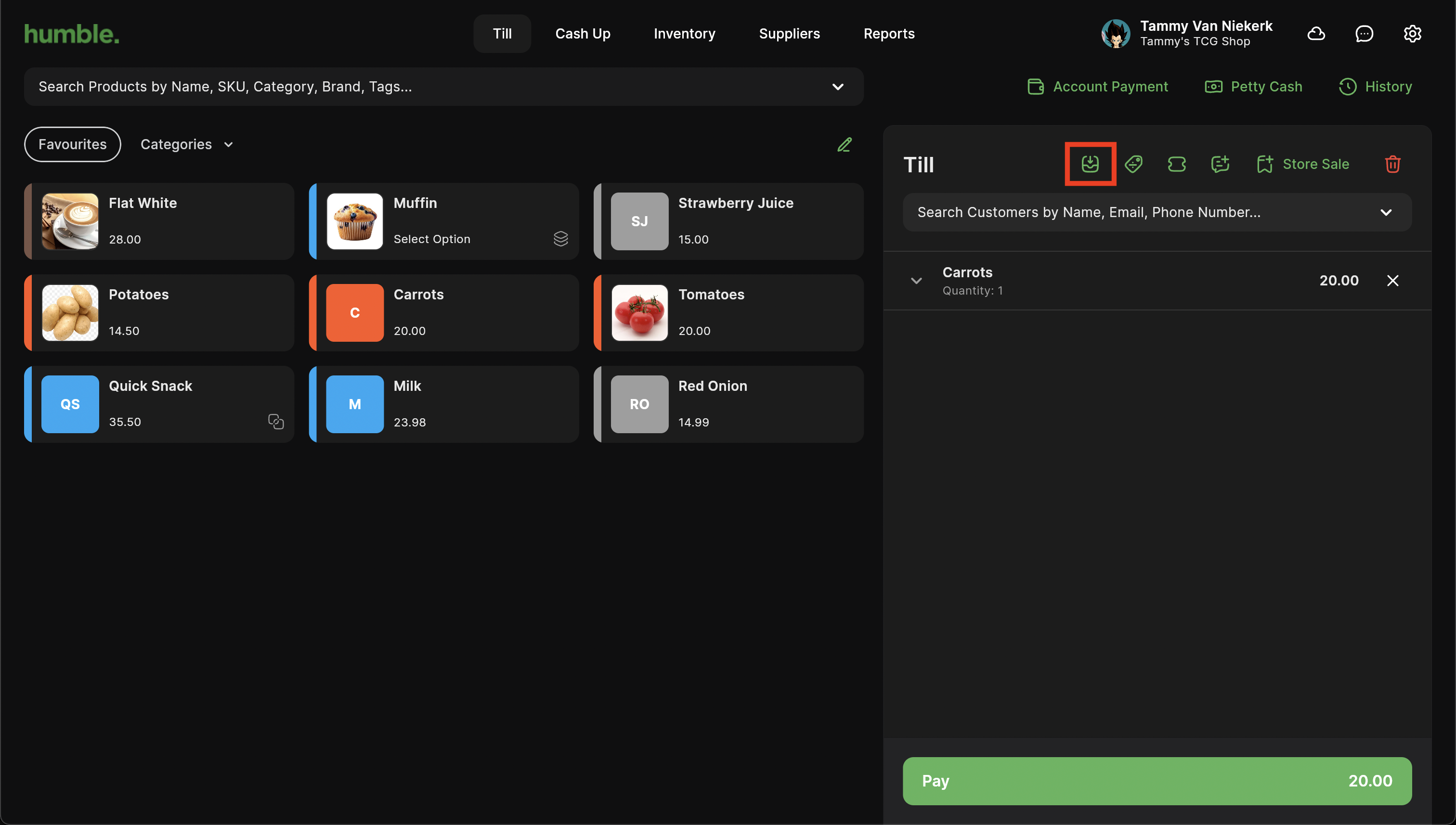
You can also open your cash drawer outside of a sale by clicking the button below:
Was this article helpful?
That’s Great!
Thank you for your feedback
Sorry! We couldn't be helpful
Thank you for your feedback
Feedback sent
We appreciate your effort and will try to fix the article