Payment methods allow you to keep track of the multiple ways your customers can pay for products or services in your store. By default, you are able to select three main methods of payment: Cash, Card and Account.
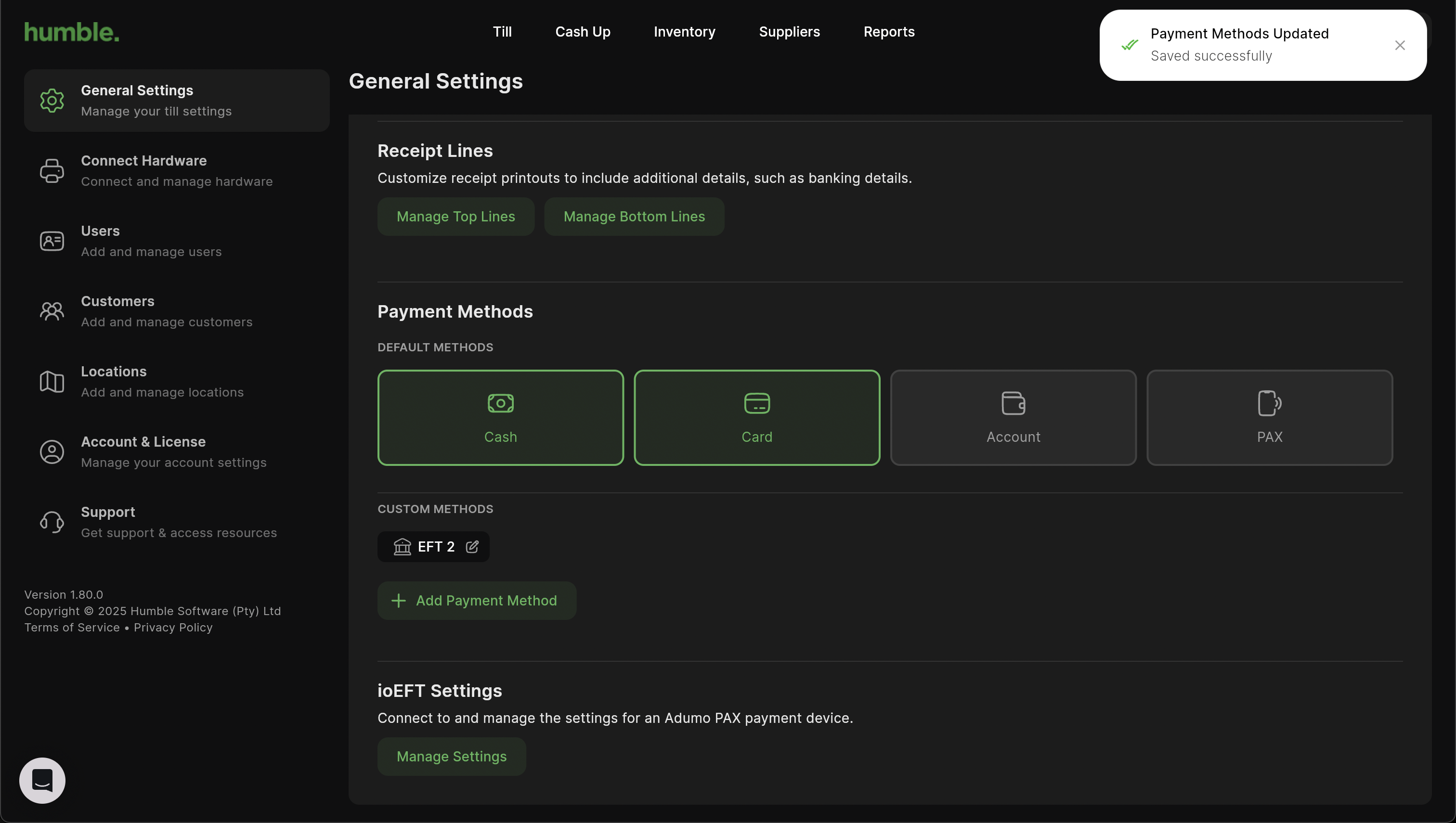
To see which methods are selected, click on Settings (the cog on the top right next to your name). You will be taken to the General Page. Under the Payment Methods section you will see which methods are selected and can be using when ringing up a sale.

Currently Cash, Card and Account are selected.
If you choose to deselect one, you will receive a notification saying the change has been saved. The payment method will be deselected and you won’t be able to ring a sale up with that method.
Was this article helpful?
That’s Great!
Thank you for your feedback
Sorry! We couldn't be helpful
Thank you for your feedback
Feedback sent
We appreciate your effort and will try to fix the article