In Humble we have a dedicated support section in case you get stuck mid-sale or would like know more about a new feature.
You can click on your user name in the top right hand corner and then click on "Get Support" from the list that opens.
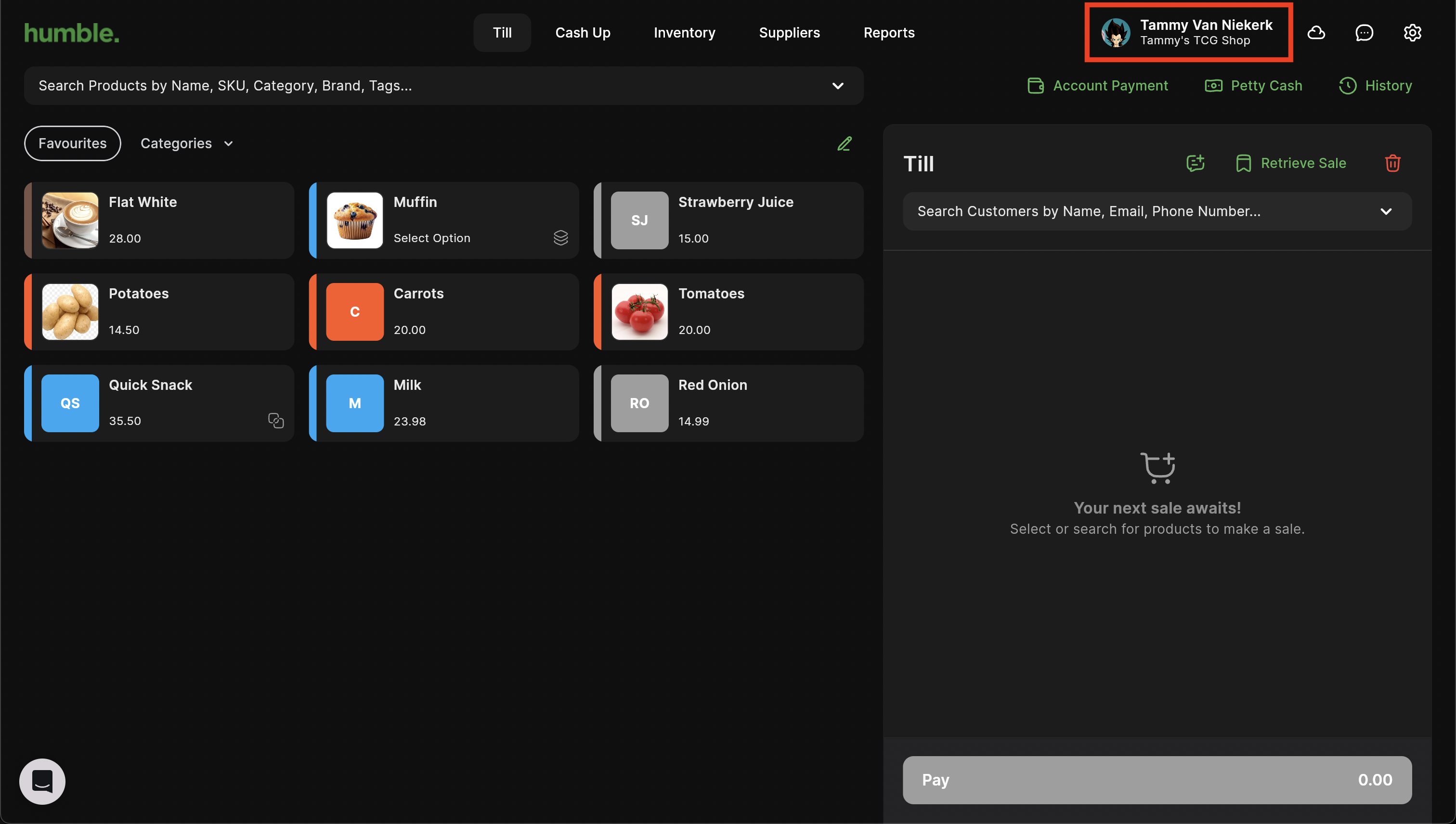
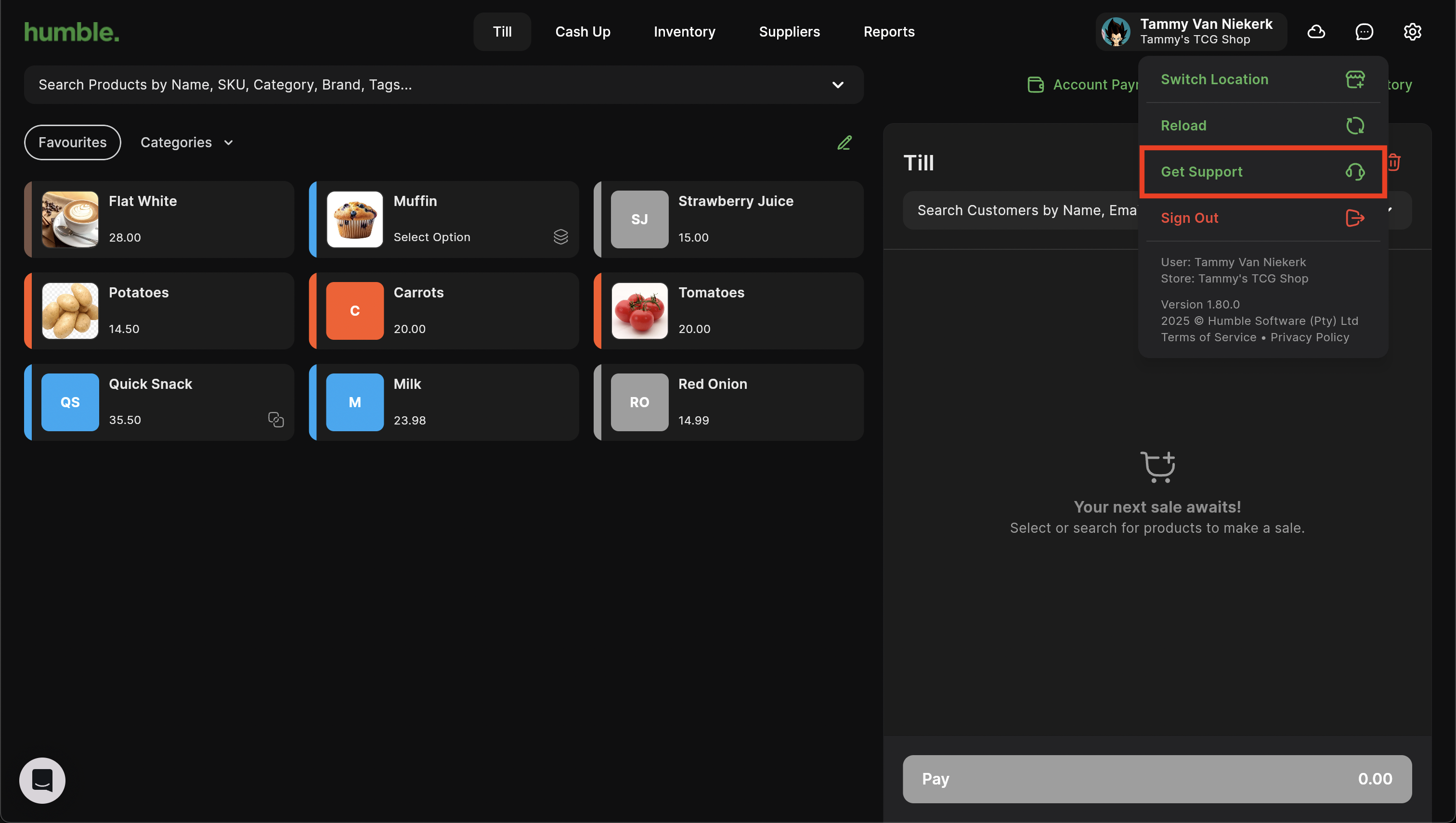
Alternatively, you can go to Settings > Support
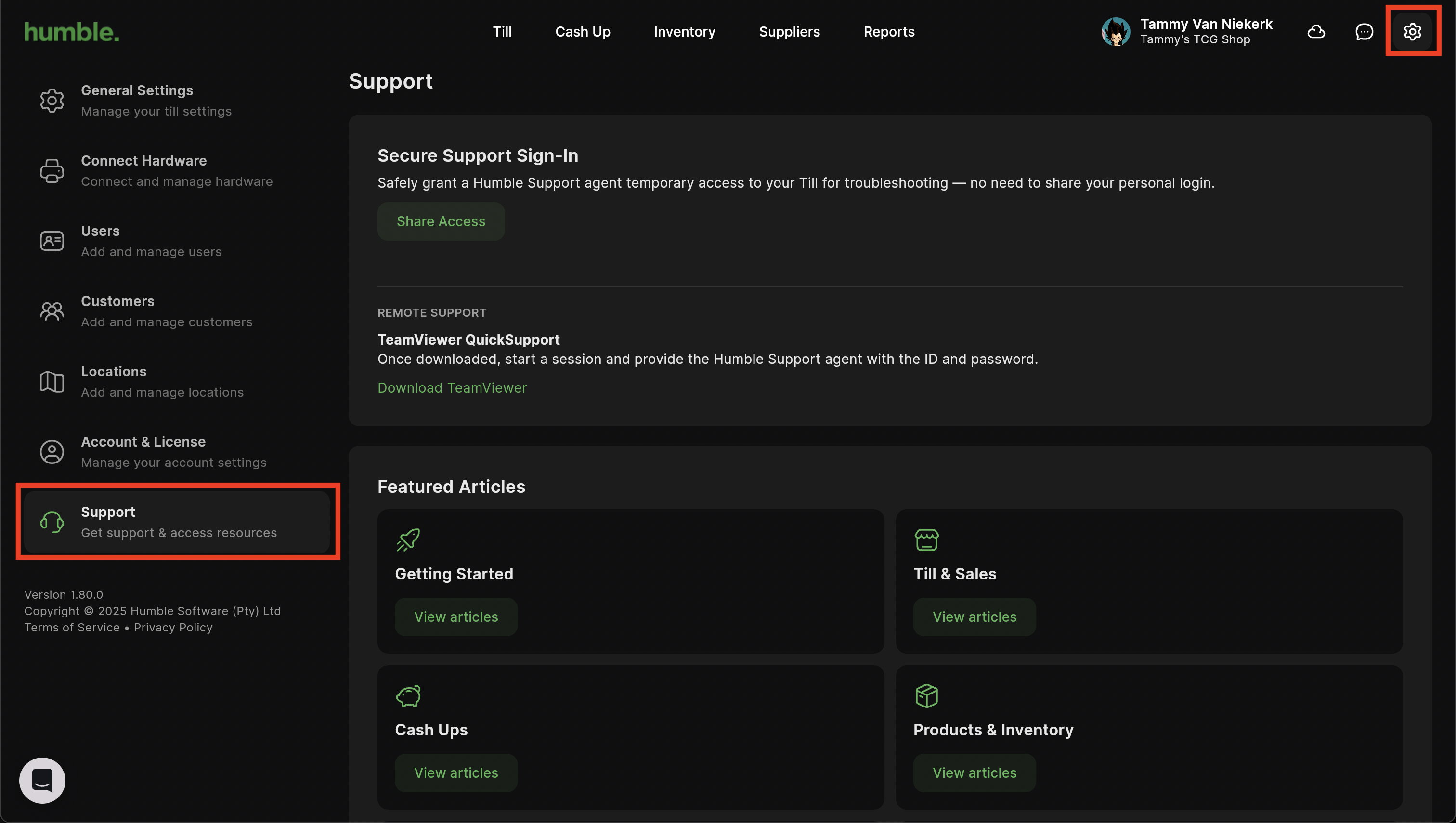
Here you'll see multiple resources to help.
Secure Support Sign-In
Click on Share Access to send an email to our support team granting them permission and access to sign it remotely to your account to assist with any queries you may have.

TeamViewer QuickSupport
Click on "Download TeamViewer" to download TeamViewer QuickSupport. This allows our support team to log in to your computer remotely to assist.

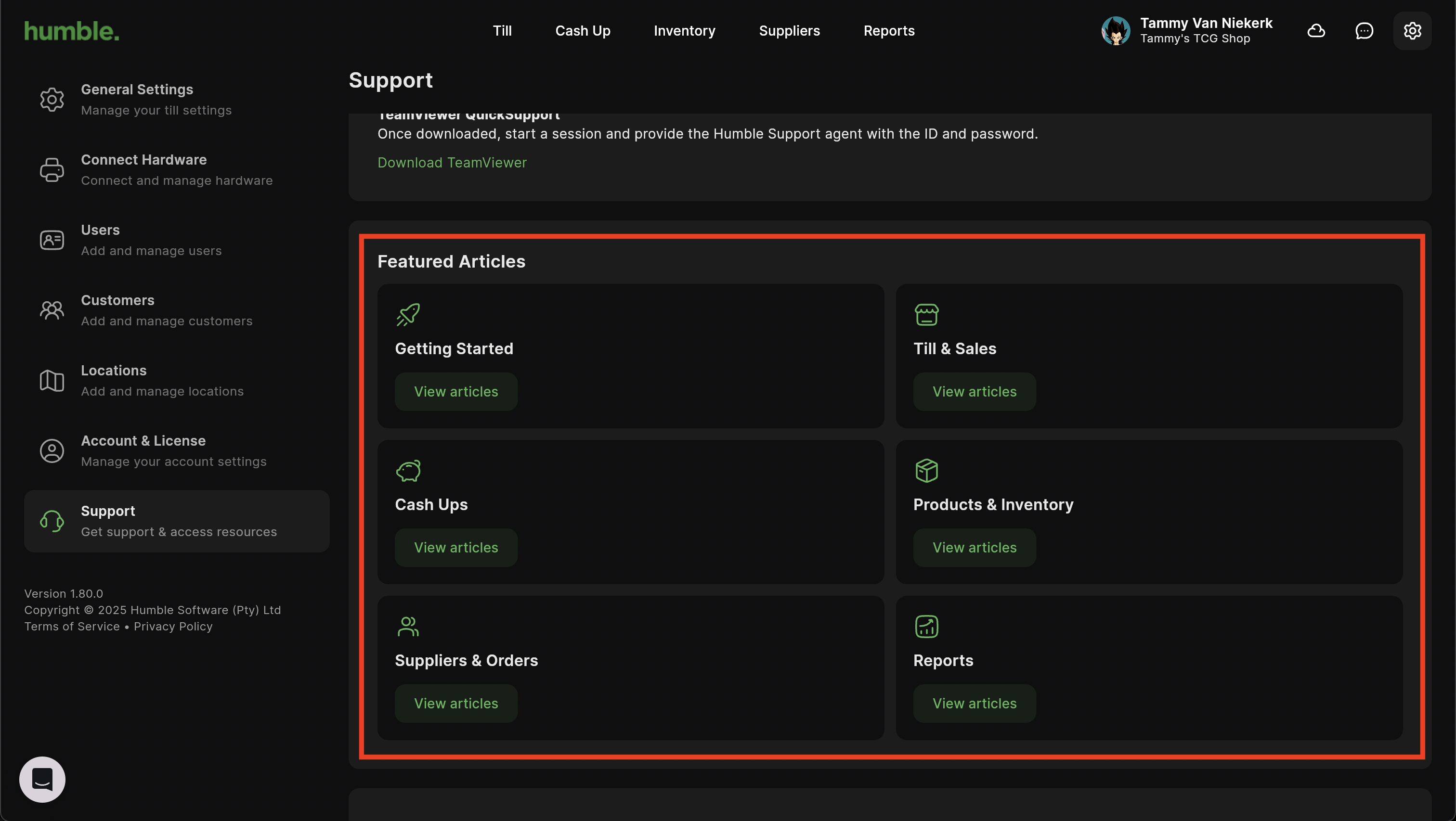
Featured Articles
Here you can view support articles and videos for the different parts of Humble 2.0 POS. These articles and videos range from making your first sale, to completing a Stock Order and even Kitchen Printing. There are tons of articles to help you run your business seamlessly with our POS.
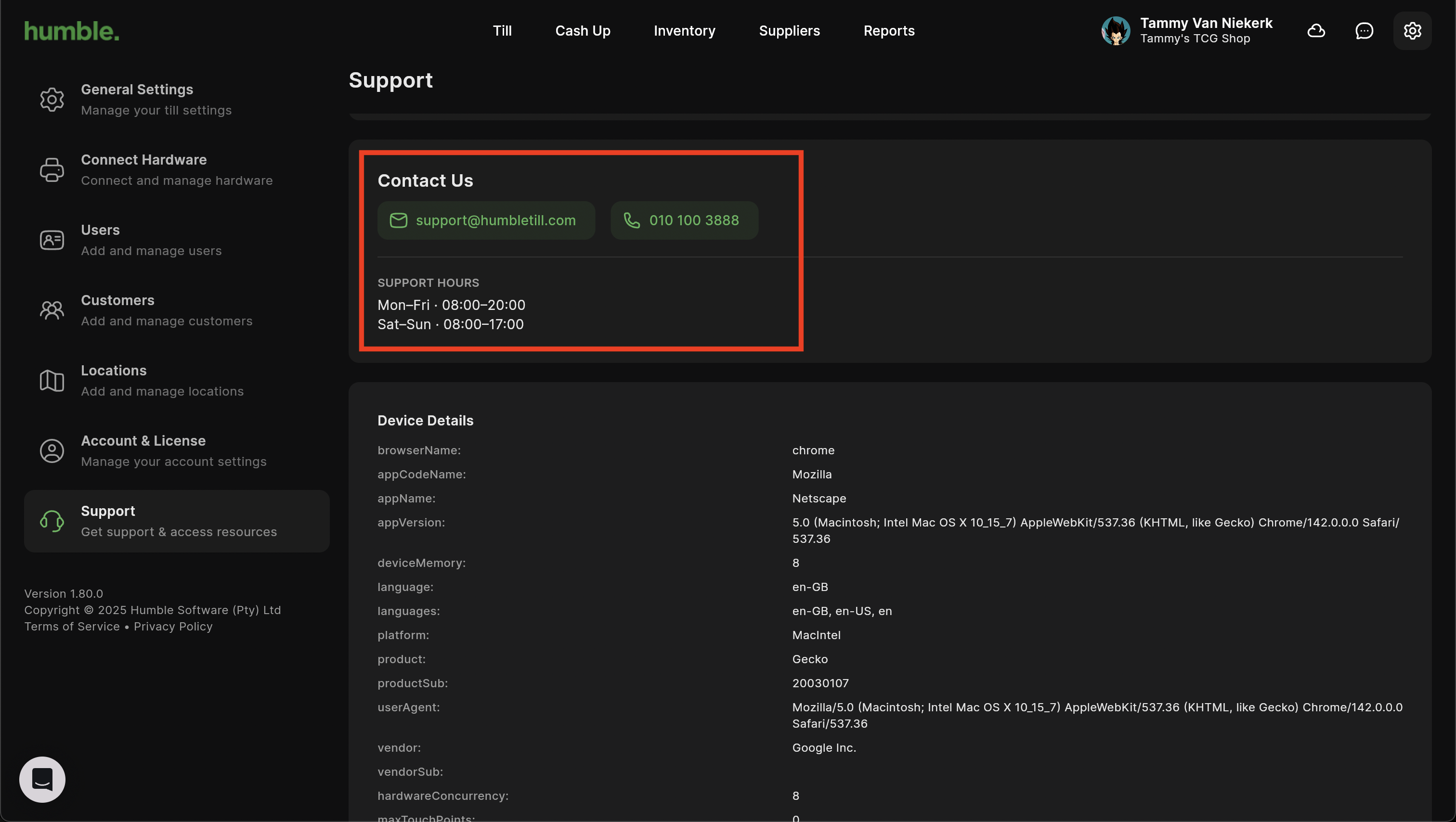
Contact Us
Here you will find our contact details:
Email Address: support@humbletill.com
Contact Number: 010 100 3888
Our support hours:
Mon - Fri: 08:00 - 20:00
Sat - Sun: 08:00 - 17:00
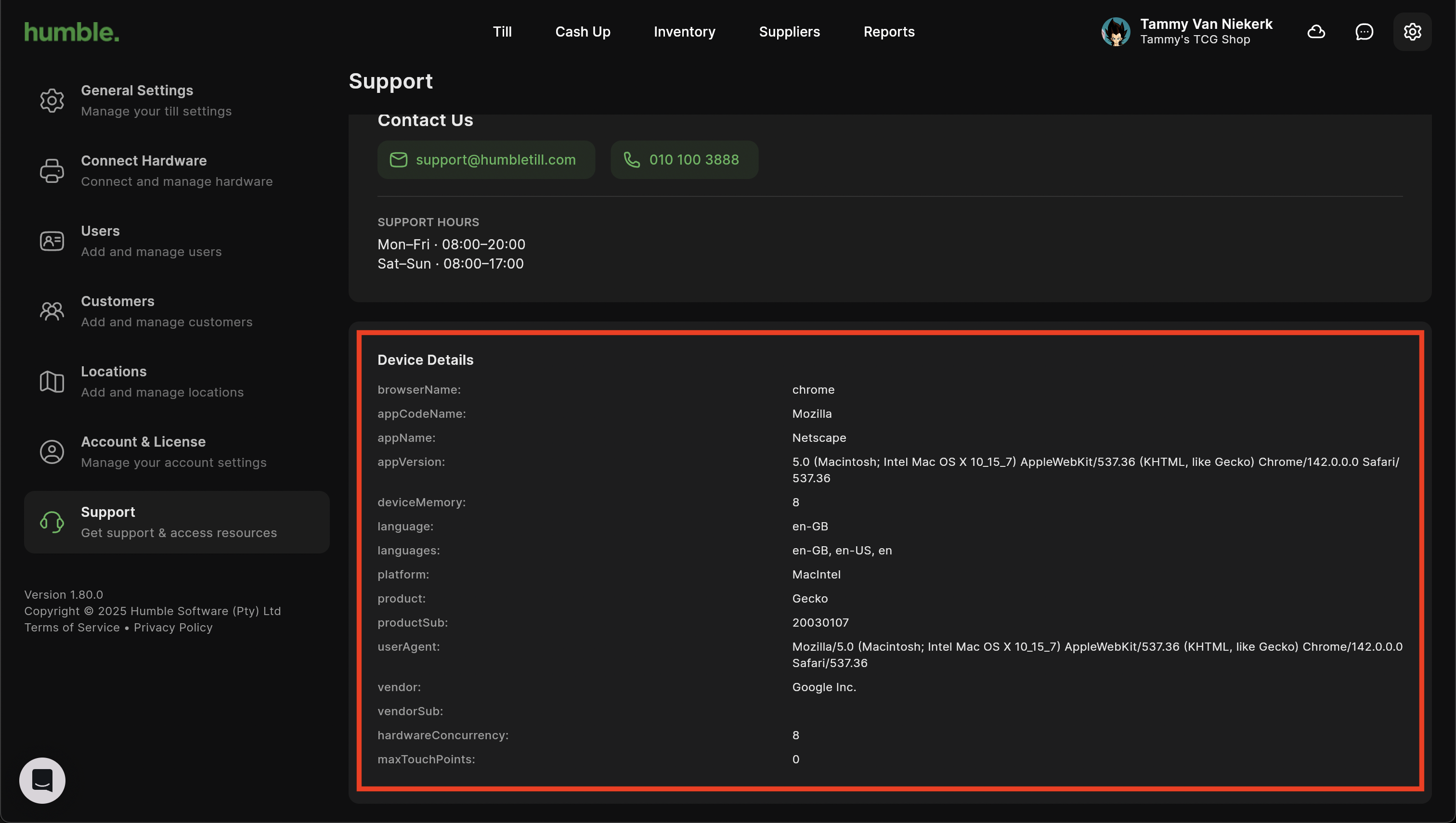
Device Details
These are the details off your currently logged in device. Each device will have its own information. This can be used to help us pin point any issues.
Was this article helpful?
That’s Great!
Thank you for your feedback
Sorry! We couldn't be helpful
Thank you for your feedback
Feedback sent
We appreciate your effort and will try to fix the article